
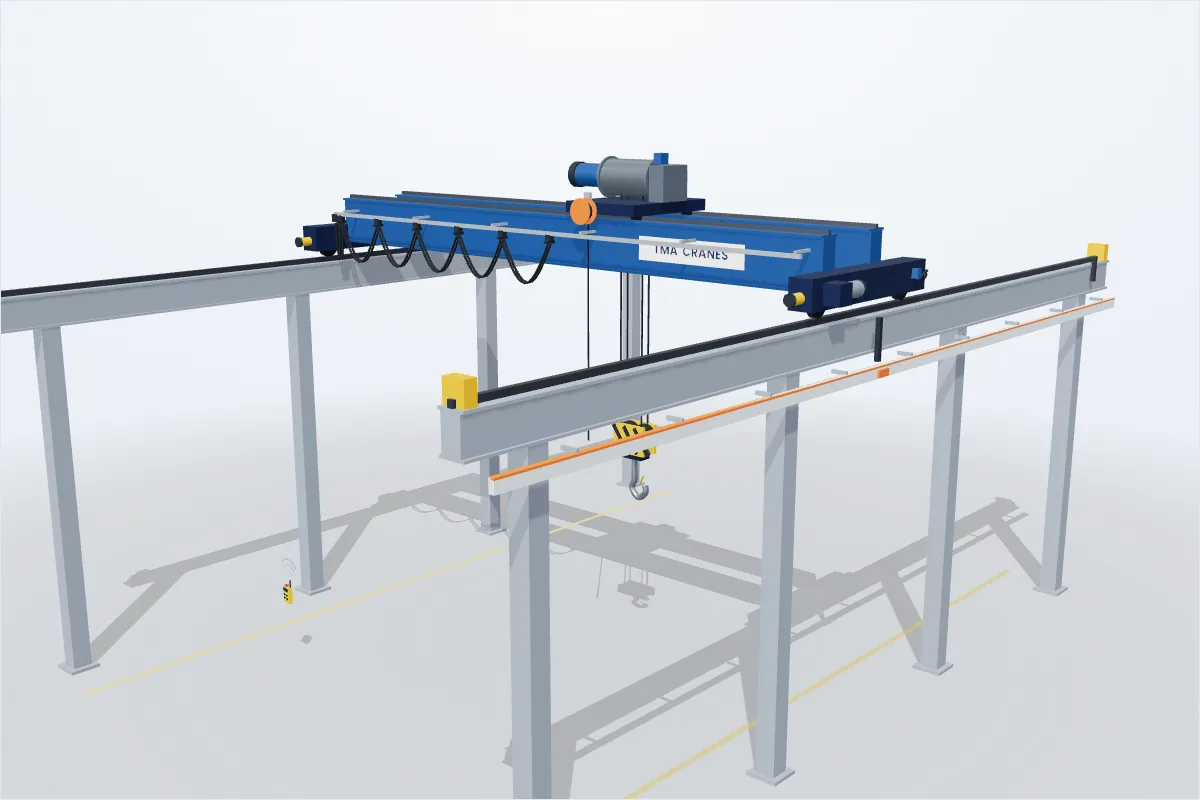
Operate an overhead crane with a radio remote: pick up the load, carry it without collisions or excessive swing, and set it down gently in the target zone. Used in TMA Academy training — and open to everyone as a challenge.
Your browser cannot show 3D graphics (WebGL), so the simulator cannot start on this device.
Crane simulator
Your task
- Lower the hook onto the ring and press HOOK.
- Lift, travel and avoid the obstacles.
- Land gently (SLOW) inside the yellow target and press RELEASE.
Keyboard: ↑ ↓ bridge · ← → trolley · W / S hoist · Space hook/release · hold Shift slow · Esc stop · V view · R restart
Emergency stop
All motions stopped. Check the area, then continue.
Load placed!
points
- Time
- Collisions
- Hard landings
- Precision bonus
- Clean run bonus
- Time & penalties
Hold a button to move. Like a real radio remote: release = stop.
Leaderboard
Training
No scores yet — be the first!
Workshop
No scores yet — be the first!
Expert
No scores yet — be the first!
Scores appear after a short review by TMA Group.
TMA Academy
Learn the theory, then practise
Safe crane operation starts with knowing the crane. Take the free Academy courses, then practise here. Learners who are signed in keep their best score per level.
Go to TMA Academy